Add a Datasource API
-
Follow steps 1-3 under the section titled View and Add a Datasource for Provider Validation in this guide.
-
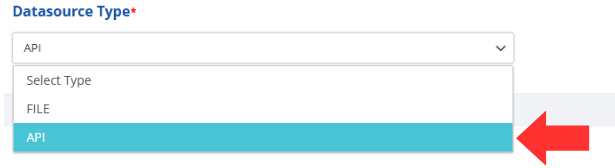
Select the "API" option under the Datasource Type dropdown.
-
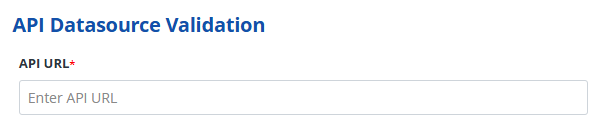
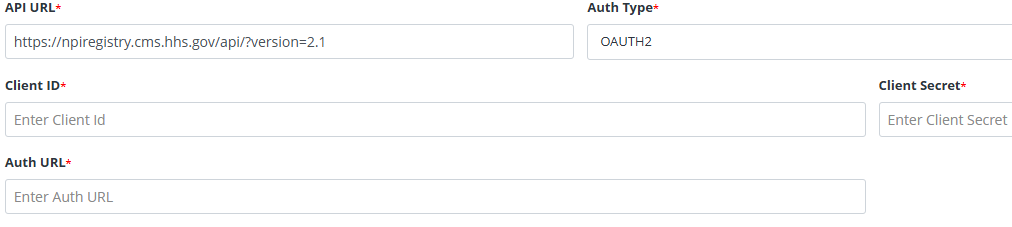
Enter the API URL into the field labeled API URL.
-
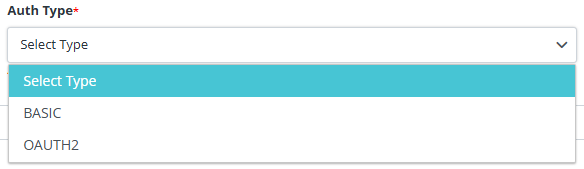
Select the appropriate authorization type using the Auth Type dropdown.
-
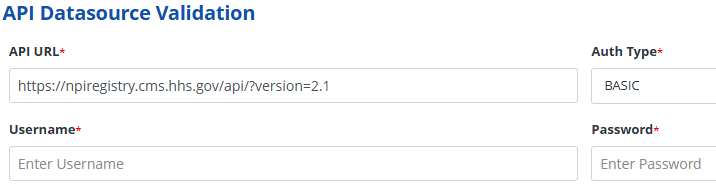
For BASIC authorization, enter the username and password.
-
For OAUTH2 authorization, enter the Client ID, Client Secret, and Auth URL into their respective fields.
-
Press the Save button on the right corner of the screen to add your datasource API to the RxConsole for your state.

-
Alternatively, if you do not wish to add an API you can press the Cancel button to discard changes and return to the previous screen.

-
Verify the datasource API was successfully added by looking for the Alert that states, "Datasource Created". You will also return to the Datasource screen and should see your datasource in the List of Datasources.