Create a Datasource File
Open Microsoft Excel on your computer.

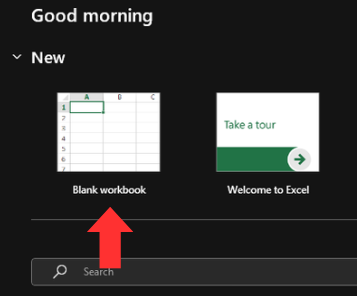
Create a new blank workbook.
Add your desired headers in any order you prefer. The names of the possible headers are:
- First Name
- Last Name
- NPI#
- DEA#
- SL#
- OTHER#
Note: The header names should be entered in cells A1, B1, C1, D1, E1 and F1.Note: Not all header names are required and any combination of headers can be used (For example, if a State Administrator does not want to use the DEA number, they may elect to remove that header completely.)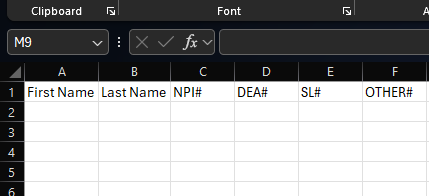
Populate the relevant information under the corresponding column.
Note: Duplications in the First Name and Last Name column are expected and will not affect provider validation.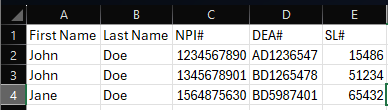
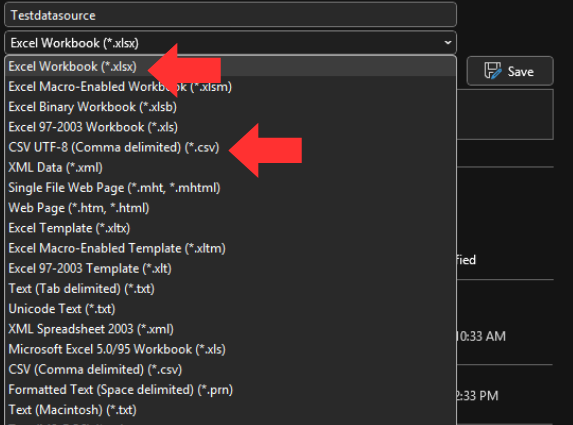
When finished building your datasource file, save the file as either a .csv (Comma Separated Values (CSV)) or .xlsx (Excel workbook).