
Modify an Existing Provider Validation
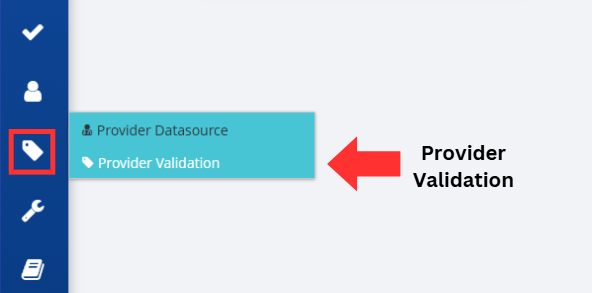
Click on the Provider Management button, followed by the Provider Validation option, located on the left-hand side of the screen.
The Provider Validation screen allows you to view a list of existing validations that have been added and includes a button to add a new provider validation.
Note: The names of the headers are described in the table following these steps.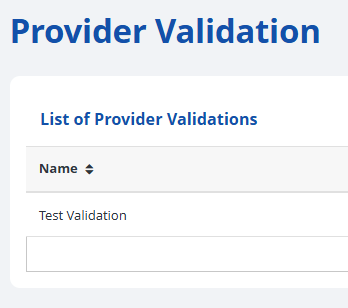

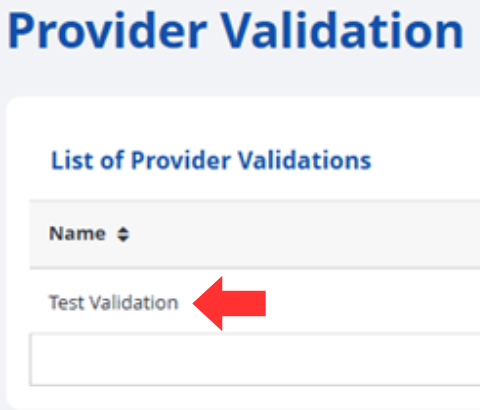
To view and/or modify an existing validation, click on the name of a validation.
The following screen allows you to change settings related to the existing validation.
- Name – change the name of the validation settings.
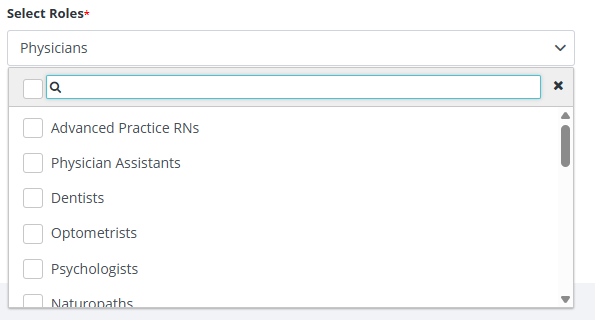
- Select Roles – change the roles that are subject to validation.
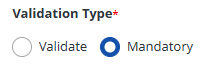
- Validation Type – if Mandatory is chosen, a query will fail if the fields are not present, while Validate will stop a query if the validation check fails.
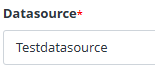
- Datasource – allows you to select a datasource to reference for the validation check. (Only present if validate is chosen for the Validation Type).
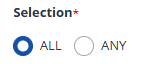
- Selection – if All is chosen, all boxes checked in the Validation Field(s) selection will be checked for validation. If Any is chosen, only one of the numbers must pass for the validation to be successful.
- Validation Field(s) – allows you to check which ID numbers are subject to validation.

Press the Save button on the right corner of the screen to record your changes to provider validation to the RxConsole for your state.

Alternatively, if you do not wish to proceed with your changes, you can press the Cancel button to discard changes and return to the previous screen.

Verify the Provider Validation was successfully updated by looking for the Alert that states, "Provider Validation Updated". You will also return to the Provider Validation screen and should see your changes in the List of Provider Validations.

| Header | Description |
|---|---|
| Name | The name given to this specific set of validation rules. |
| Datasource Name | The name of the datasource that is referenced for validation. |
| Validation Fields | The identification numbers that are subject to validation. |
| Validate Type | The type of validation occurring. Mandatory will stop a query if the fields are not present, while Validate will stop a query if the validation check fails. |
| Created Date | The date and time the validation rules were created. |