
Vendor Connect Requirements
An organization that wishes to provide EHR integrations of PDMP information must meet several requirements before being able to utilize the vendor connect enhancement feature of RxCheck.
- Obtain a vendor administrator account as part of the onboarding process to become an authorized RxCheck vendor. You can find information on this process in the chapter titled, Getting Started as a Vendor, above.
- Update your existing SRS server or set up a new SRS server utilizing version 3.2.1 of the SRS server software. This version can be found at the following link: http://builds.rxcheck.org/SRS/v3.2.1/final/hce/
- Set up the SRS server running version 3.2.1 in your vendor administrator account. Instructions on this process can be found in the chapter titled, State Routing Service (SRS) Configuration, found above.
- The PDMP Administrator must assign the HCE’s you will be managing or have integrated, as described in the section titled, Assigning Sites to a Vendor, above.
- You can now migrate these integrated sites to the SRS server you configured in step 3 above.
By following the steps above, a vendor will be able to utilize the vendor connect enhancement.
A vendor will know that a HCE has been assigned to them, by noting its presence in the site selection window. An assigned HCE will be viewable in the site selection window.
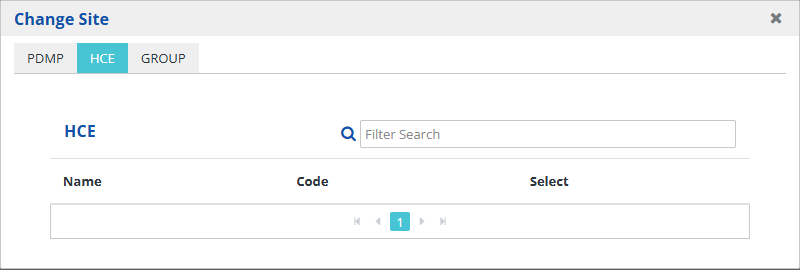
Note: The screenshot above does not have any HCE’s assigned to the vendor.