
Site Details
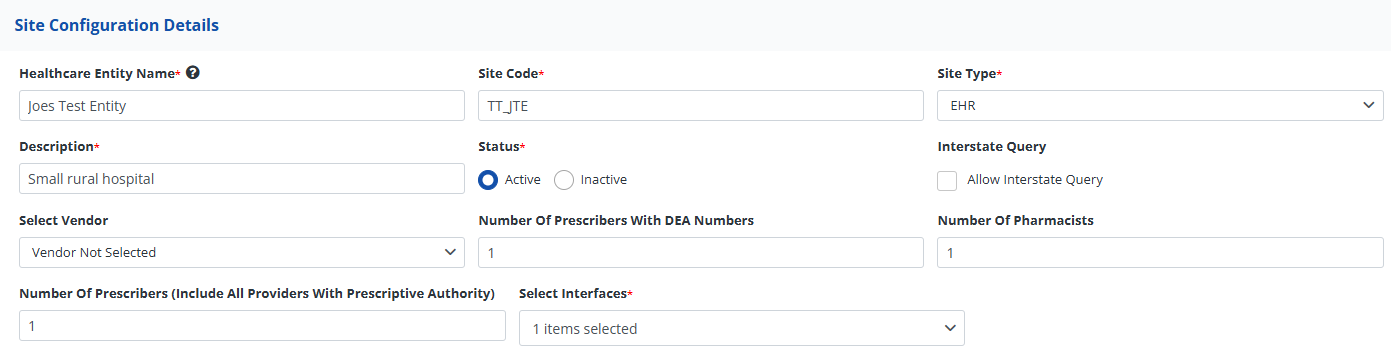
This section displays information related to this specific HCE.
| Heading | Description |
|---|---|
| Healthcare Entity Name | The name of the Healthcare Entity. |
| Site Code | A six-character code that follows the following format:
|
| Site Type | Refers to the site type. This value can be set as one of the following:
|
| Description | A simple description of the HCE site. |
| Status | Status that indicates if a site is Active or Inactive. |
| Interstate Query | When checked, the HCE will be able to send interstate data requests. |
| Select Vendor | The integration vendor providing services to this healthcare entity. |
| Number of Prescribers with DEA numbers | A count of prescribers with DEA numbers at that HCE. |
| Number of Pharmacists | A count of pharmacists at that HCE. |
| Number of Prescribers (Include All Providers With Prescriptive Authority) | A count of all prescribers at that HCE. |
| Select Interfaces | The type of connection the HCE is using to connect to RxCheck or third-party integrator. The following options are available:
|