
Configure the SRS
Once the previous sections have been populated on the State Routing Service Configuration page, the State PDMP Administrator can save the details and complete the configuration process.
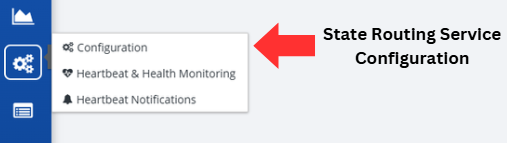
Click on the State Routing Service Configuration button, located on the left-hand side of the screen.
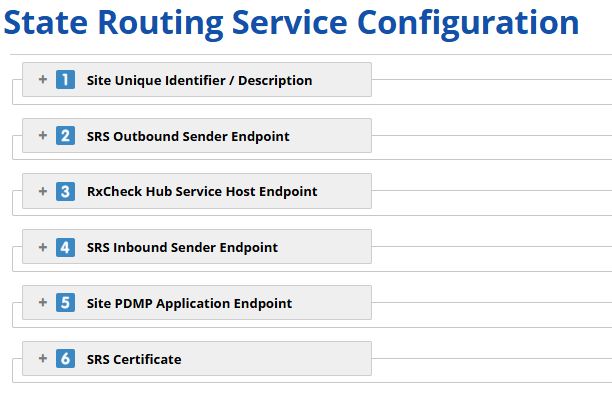
Enter all required information. Mandatory fields are designated by a red asterisk (*) and need to be populated for the form to be saved successfully.
- You may need to click on the box for each step to expand that section and reveal the fields.
Click the Save button
