
User Management
State PDMP Administrators are responsible for managing user access within their systems. This includes the ability to add new users with the user type "System User".
In addition, State Administrators can view a list of existing PDMP Administrators and System Users, and they have the authority to edit details for current System Users. However, to modify information related to an existing PDMP Administrator, the State Administrator must submit a request to the RxCheck Administrator.
The screenshot below displays a sample list of PDMP Administrators and System Users for the test site "TT". The accompanying table provides descriptions for each column heading shown in the interface.
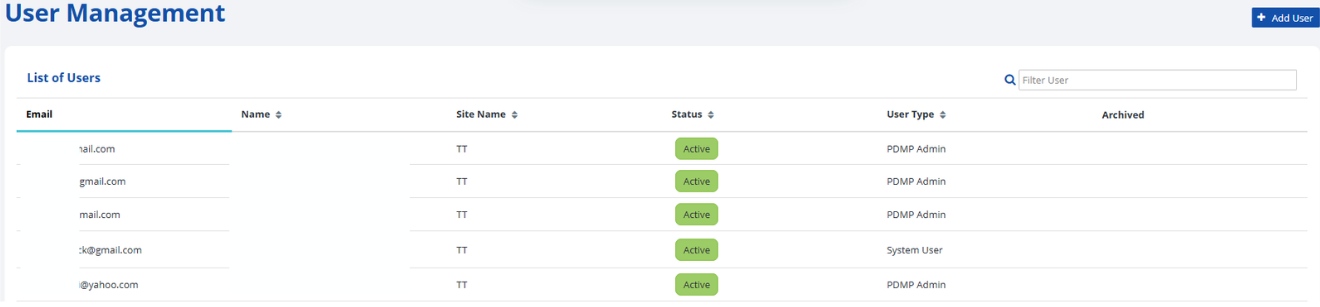
| Heading | Description |
|---|---|
| The email address used to log into the RxConsole application. | |
| Name | The first and last name of the user. |
| Site Name | The name of the site for which the user has been created. |
| Status | The status of the user, either Active or Inactive. |
| User Type | The type of user. For example, PDMP Admin or System User. |
The following subsections contain step-by-step instructions on how to manage users in the RxConsole application. For additional clarity, each step is accompanied by a corresponding image or screenshot that depicts the action described.