Adding Users
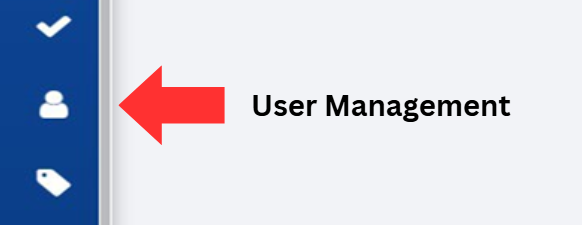
Click on the User Management button, located on the left-hand side of the screen.
Click on the Add User button located in the top right corner of the screen.

In the popup window, enter the requested information into the appropriate data field.
- A description of each field is available in the table at the end of the previous section.
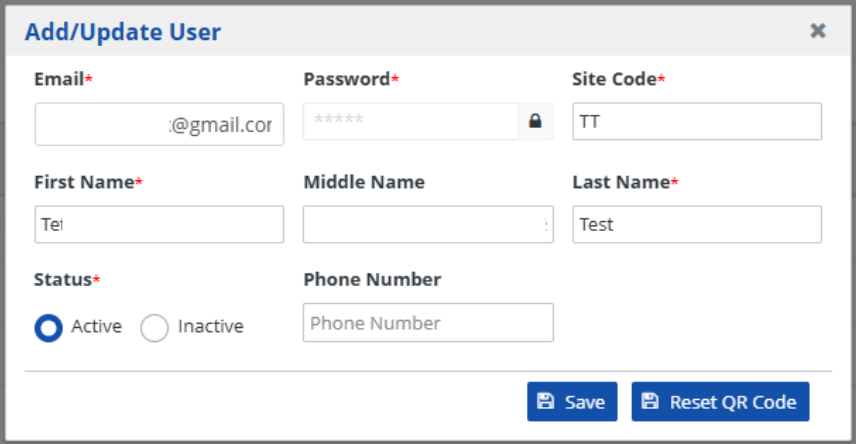
Click on the Save button on the pop-up window to record the information added to your new user.

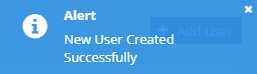
Verify that the new user has been successfully added by looking for the alert that states, "New User Created Successfully".