
Using an API to Download the Logs
RxConsole also allows a PDMP Administrator to enable an API endpoint to download audit logs from the RxCheck Hub. To access this API, an API key is required.
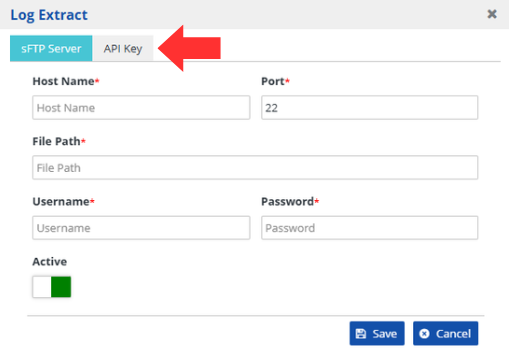
From the log extract window, select the API Key tab.
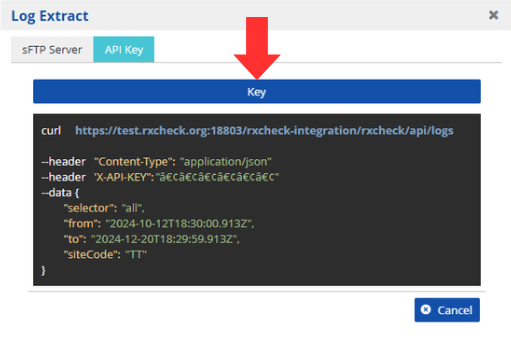
Press the Key button to generate an API key.
To copy the API key, press the copy button.

To create a new unique API key, press the ReGenerateAPIKey.

To remove your API, press the Delete key.

Note: The system generates a sample API request to be used as a reference for developing a module to download Hub Audit Logs.