
Open a Healthcare Entity Record
-
Click on the Healthcare Entities button, located on the left-hand side of the screen.

-
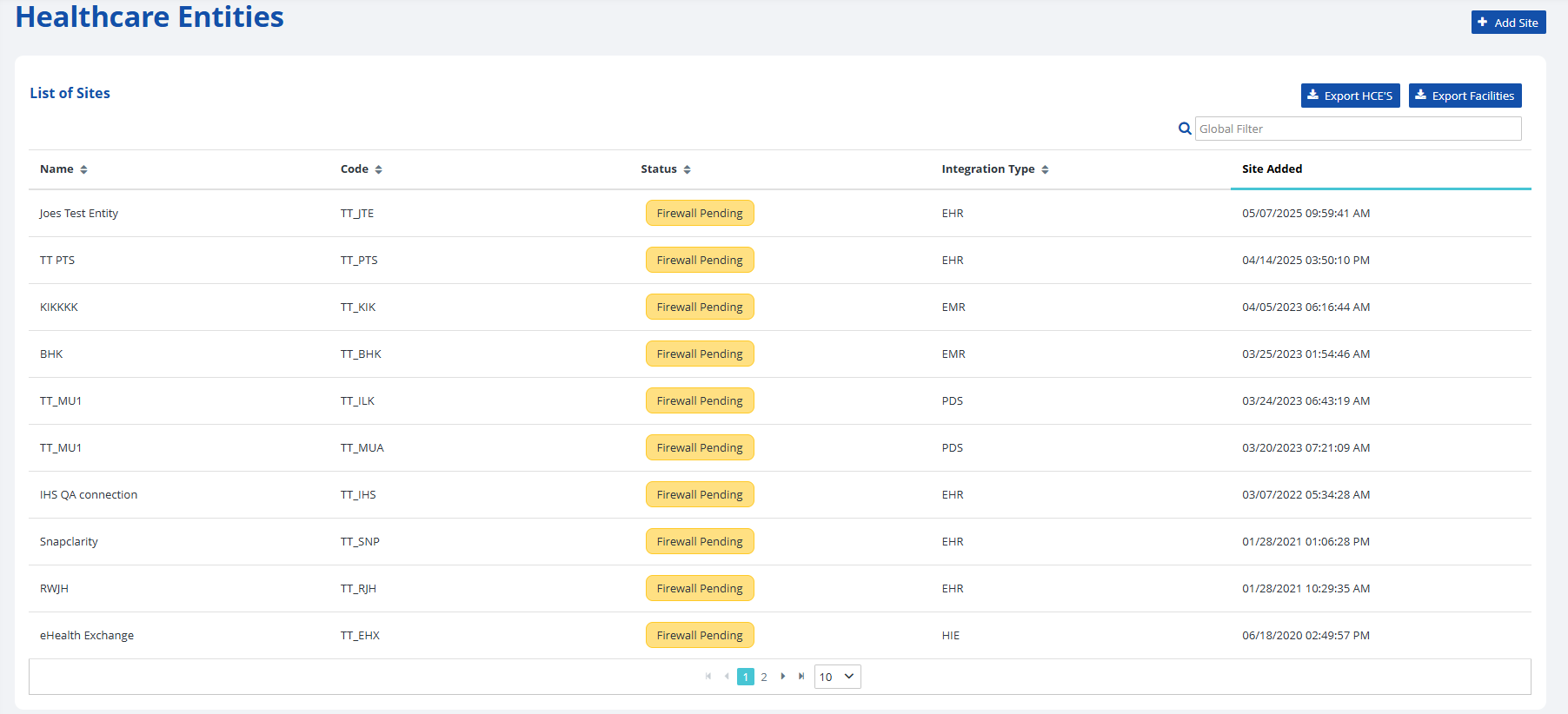
Find the healthcare entity using one of two methods:
- Scroll through the list on the screen (may need to navigate to the next screen by using the navigation arrows at the bottom of the list).
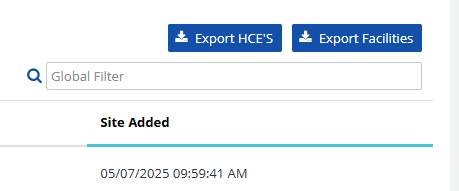
- Type the name of the HCE into the search bar labeled Global Filter in the top right.

-
-
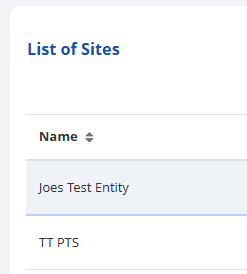
Select the desired healthcare entity to view further details about that facility.
-
To edit a record, make your changes and click the Save button to ensure any new information is recorded. To exit without saving, click on the Cancel button.

