Select States for Interstate Data-Sharing
-
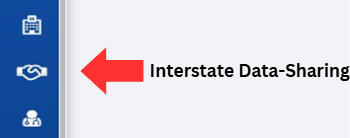
Click on the Interstate Data Sharing button, located on the left-hand side of the screen.
-
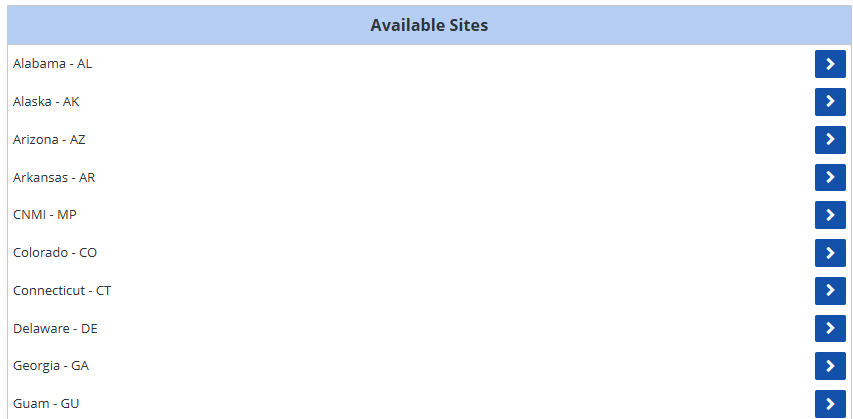
Scroll through the Available Sites list and locate the site you would like to add for interstate data-sharing.
-
-
Click on the blue arrow button aligned with the desired site.

-
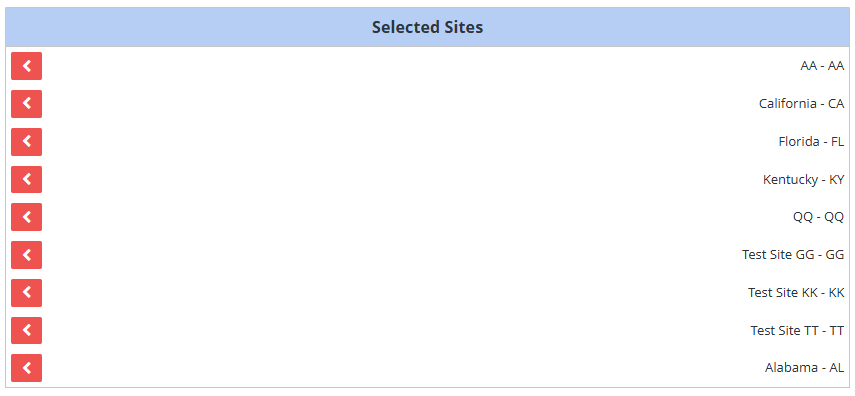
Verify that the site has moved from the Available Sites list on the left to the Selected Sites list on the right.
Note: Recently moved sites are not listed alphabetically and will instead appear at the bottom of the Selected Sites list. -
-
Click the Save button on the right corner of the screen to confirm and record your changes.
Note: If the change was implemented successfully, an alert will momentarily appear on the right-hand side of the screen with the message, "Alert – Selected Sites Saved"