
Heartbeat Notifications
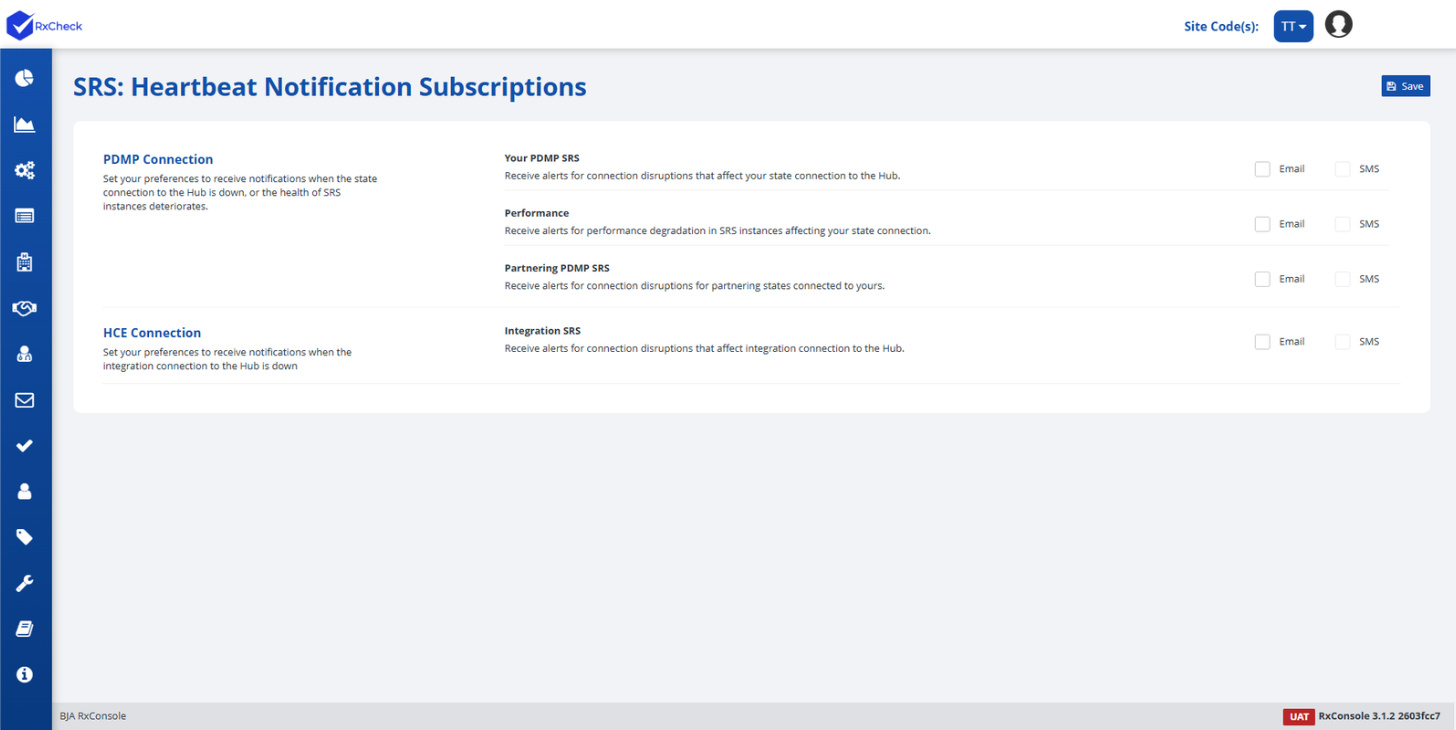
Using the Heartbeat Notifications feature, the PDMP Administrator can subscribe to receive email notifications and text messages about the PDMP and HCE connections.
To navigate to the Heartbeat notifications, follow the instructions below.
-
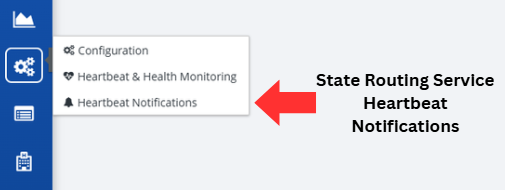
Click on the State Routing Service button, followed by the Heartbeat Notifications option, located on the left-hand side of the screen.
-
Select the desired boxes to subscribe to that notification.
- If the Email option is checked, the user will receive emails to the mailbox associated with their RxConsole application login.
- If the SMS option is checked, the user will receive text messages on the mobile phone number specified in their RxConsole application profile.
Note: You will need to email the RxCheck Admin to add a phone number to enable the SMS notifications option.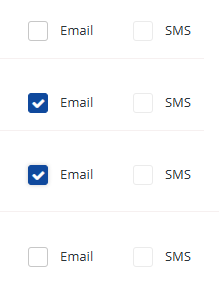
-
After making any changes, a user will want to press the Save button to process any changes made to notifications.

The table below explains the different subscription options that a PDMP Administrator can subscribe to.
| Heading | Subscription Option | Description |
|---|---|---|
| PDMP Connection | Your PDMP SRS | Receive alerts for connection disruptions that affect your state connection to the Hub. |
| Performance | Receive alerts for performance degradation in SRS instances affecting your state connection. | |
| Partnering PDMP SRS | Receive alerts for connection disruptions for partnering states connected to yours. | |
| HCE Connection | Integration SRS | Receive alerts for connection disruptions that affect integration connection to the Hub. |
Note: Notifications are not immediate. A subscribed user will receive an email or SMS notification approximately 15 minutes after the first missed heartbeat is detected.