Unlocking a User Account
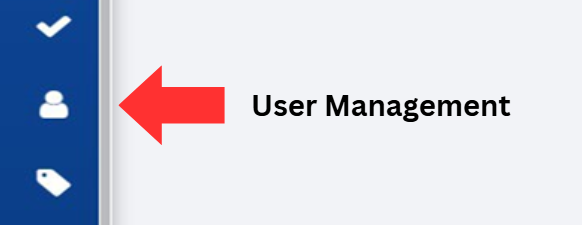
Click on the User Management button, located on the left-hand side of the screen.
A user account that is locked will display the "lock" icon next to the account status.
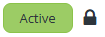
Click on the lock icon to unlock the account for the corresponding user.
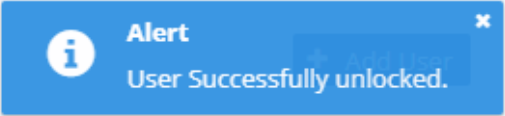
Verify the account has been unlocked by looking for the alert that states, "User Successfully unlocked.".