Search for an NCPDP Taxonomy Code
-
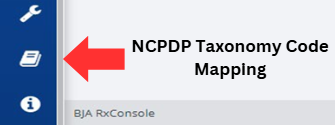
Click on the NCPDP Taxonomy Code Mapping button, located on the left-hand side of the screen.
-
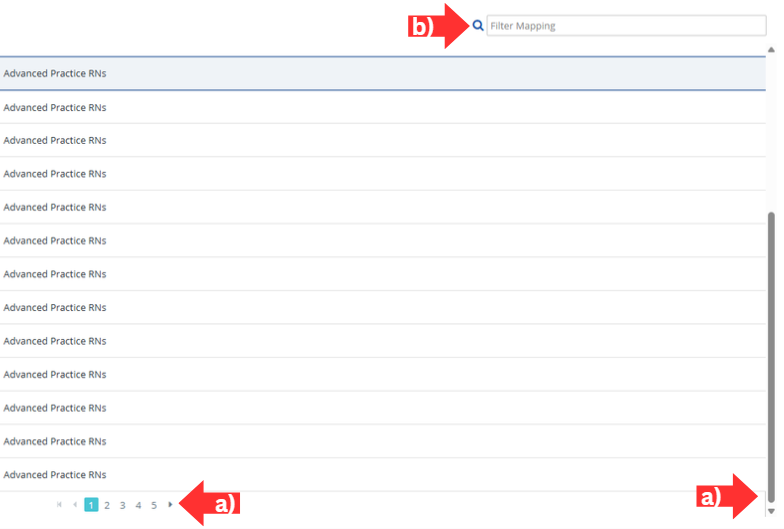
Locate the code mapping you are searching for by either:
- Scrolling through the list of codes displayed on the screen and sifting through the pages by clicking the arrows under the Code Mapping table.
- Locate the mapping directly by entering the taxonomy code, description, or PMIX role into the search box labeled, Filter Mapping in the top right corner of the screen.