View, Delete, and Search an Existing Datasource
-
Follow steps 1, 2, and 4 under the section titled View and Add a Datasource for Provider Validation in this guide to view an existing datasource.
-
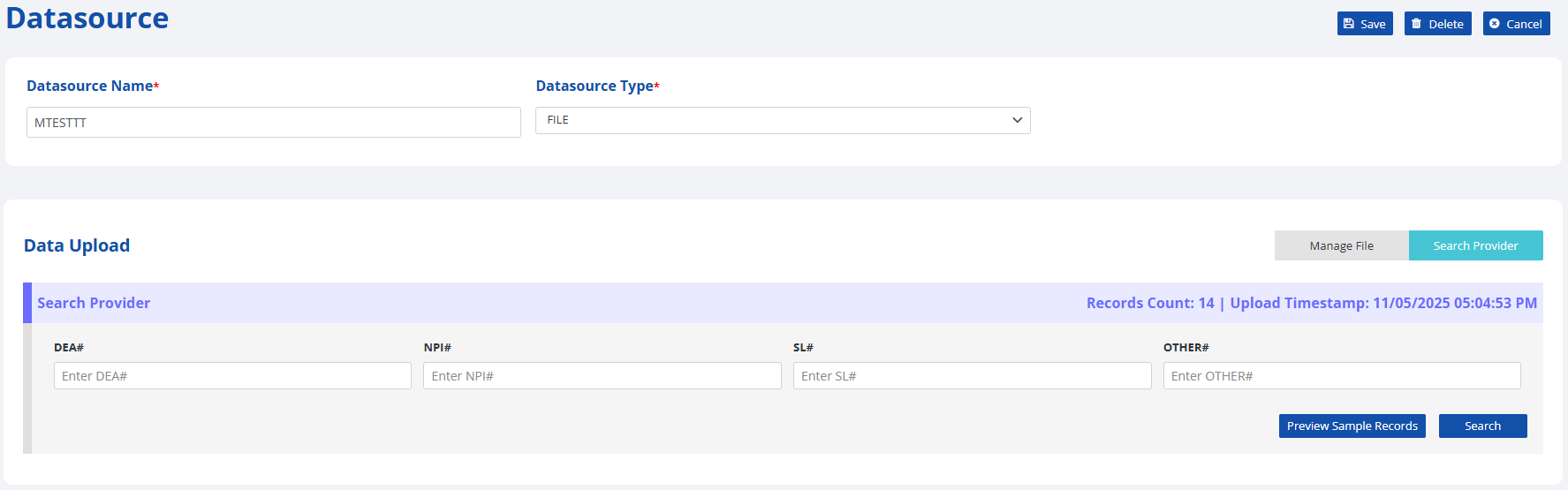
The new screen will look similar to the Add Datasource screen, but includes a section labeled Search Provider.
-
-
To see if an existing datasource file contains a provider, you can enter the DEA#, NPI#, SL# or OTHER# in the Search Provider section to see if that provider exists on the datasource you are viewing.
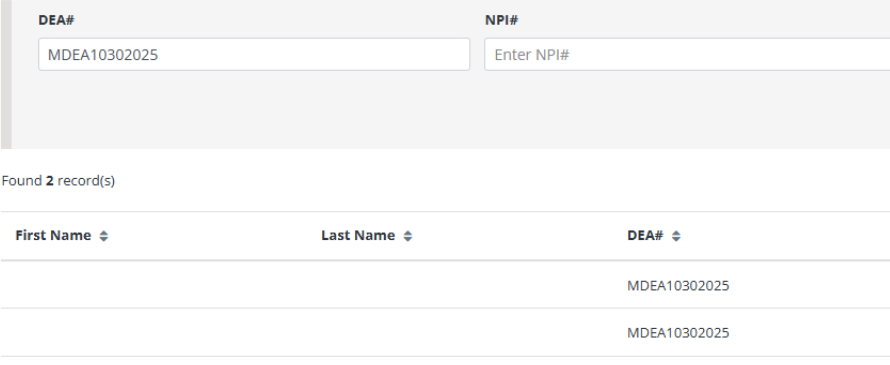
- If the provider is on the list, you will see their information returned under the Search Provider section.
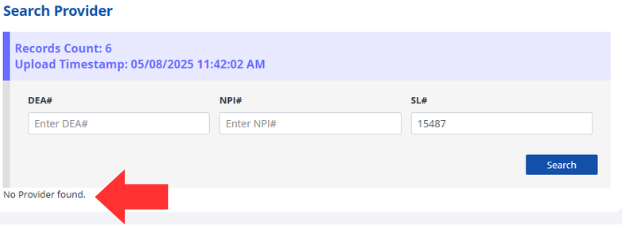
- If the provider is not on the list, you will see "No Provider found." under the Search Provider section.
Note: The datasource search feature is only available for datasource files and cannot be used on a datasource API.