
Export a list of your HCE's and Facilities
RxConsole supports the ability for a State PDMP Administrator to export a list of their healthcare entities and the facilities under those healthcare entities.
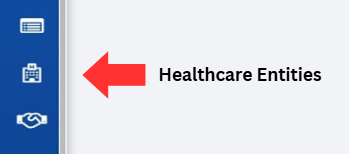
Click on the Healthcare Entities button, located on the left-hand side of the screen.
In the top-right corner, there are two buttons to extract either:
- Export HCE'S—Downloads a list of healthcare entities, their HCE code, and their status.
- Export Facilities—Downloads a list of facilities, their site code, and their status.
Note: The HCE and facility lists are downloaded in a zipped folder. Please see the tables in previous sections for a description of the columns in these files.
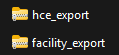
Right-click on the zipped folder to view options.
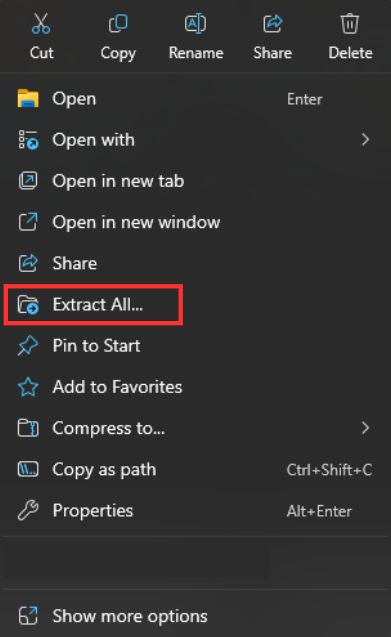
Select the "Extract All…" option.
HCE Export Columns
| Heading | Description |
|---|---|
| Code | A six-character code that follows the following format:
|
| Name | The name of the Healthcare Entity. |
| Status | Status that indicates if a site is Active or Inactive. |
Facility Export Columns
| Heading | Description |
|---|---|
| Code | A facility code specific to that individual healthcare facility. |
| Name | The name of the facility. |
| Status | Status that indicates if the facility is Active or Inactive. |