
All Sites Monitoring
To navigate to All Sites monitoring, follow the steps below.
-
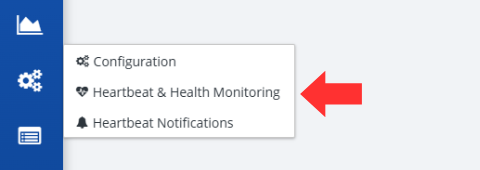
Click on the State Routing Service button, followed by the Heartbeat & Health Monitoring option, located on the left-hand side of the screen.
-
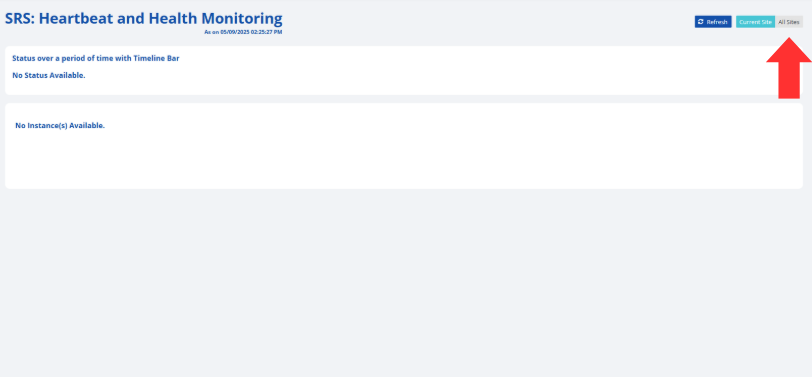
Click on the All Sites button in the top right corner of the screen.
-
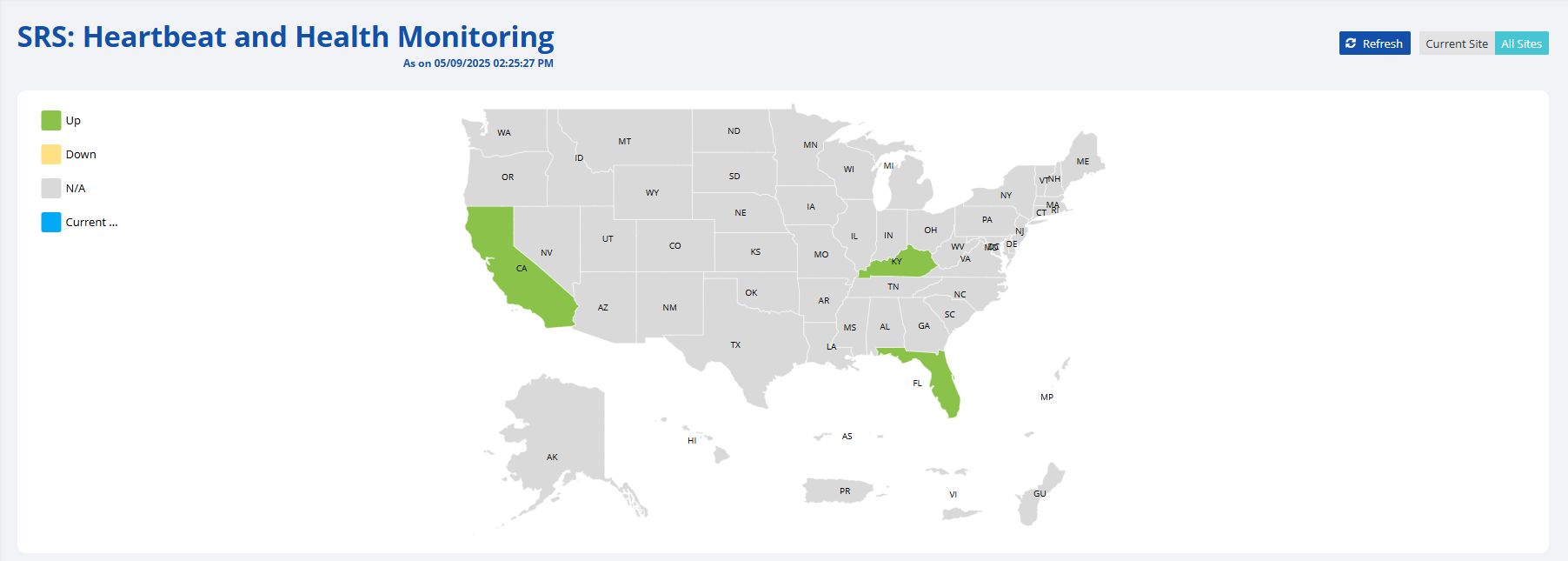
The next screen is the SRS: Heartbeat and Health Monitoring screen and includes a United States Map.
-
The map allows you to hover your cursor over a state and get the current status of their SRS server.
Note: The states are color coordinated based on their SRS status. Please see the following table to better understand the colors.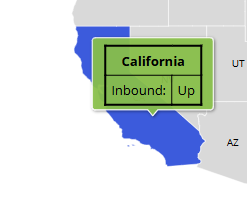
-
Scrolling down on this screen, you are able to see a list of the States and their connection status in a table. The table also allows you to see the most recent query to or from a state.
Note: The following table includes a description of each of the table headers.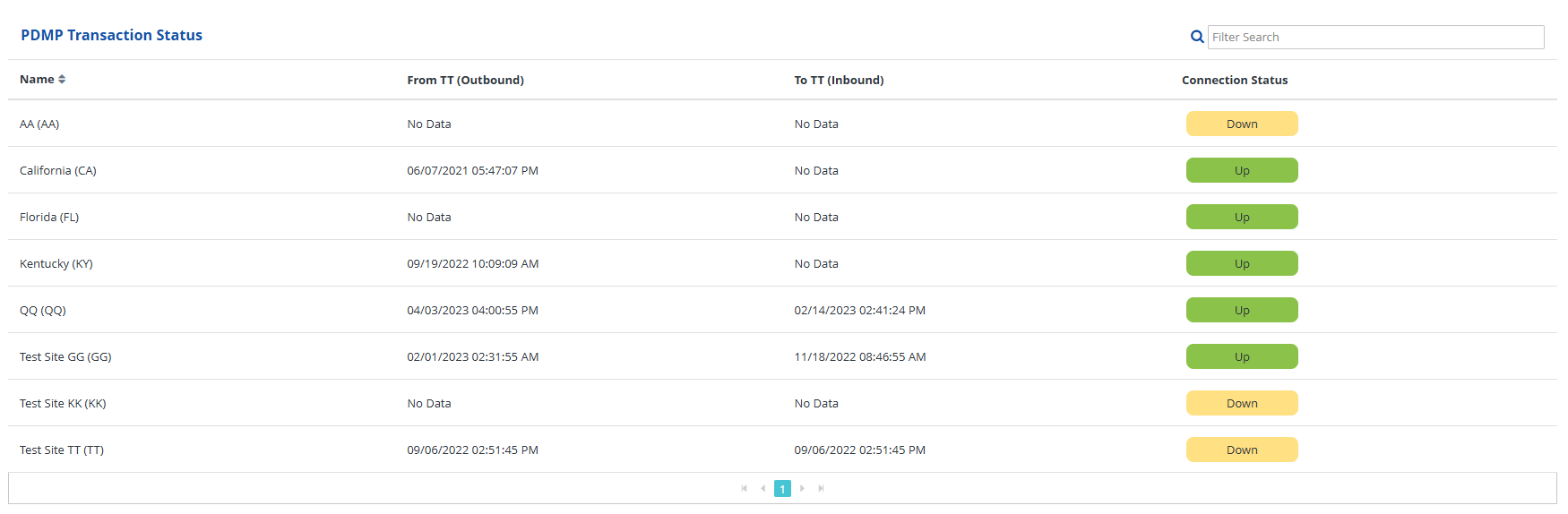
-
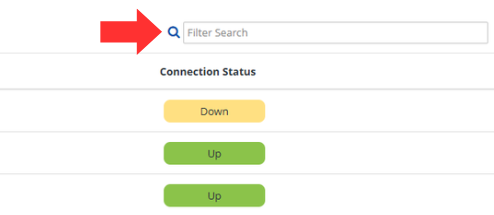
You can search for a specific site by:
- Finding the state on the list using the page buttons under the table, or
- Searching for the state in the search box above the table.

-
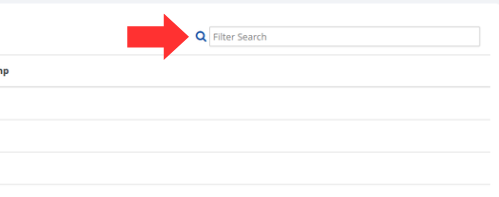
Scrolling down further, the last table displays a list of the connected healthcare entities and the last time a query was received from them. A healthcare entity can be found by:
- Using the page buttons on the bottom of the table and looking for the entity, or
- Search for the site in the search bar above the table.
| Status | Color Code | Color |
|---|---|---|
| Up | Green |  |
| Down | Yellow |  |
| N/A | Gray |  |
| Currently Hovering | Blue |  |
PDMP Transaction Status Table
| Heading | Description |
|---|---|
| Name | Name and 2 letter abbreviation for the state. |
| From [State Code] (Outbound) | The date and time of the last query from your state to the listed state. |
| To [State Code] (Inbound) | The date and time of the last query from this state to the user's state. |
| Connection Status | The current status of that states SRS. |
HCE Transaction Status to TT (Inbound)
| Heading | Description |
|---|---|
| Name | The HCE code to identify the appropriate healthcare entity. |
| Last Transaction Timestamp | The date and time of the last query from the healthcare entity to your state PDMP. |